The brief
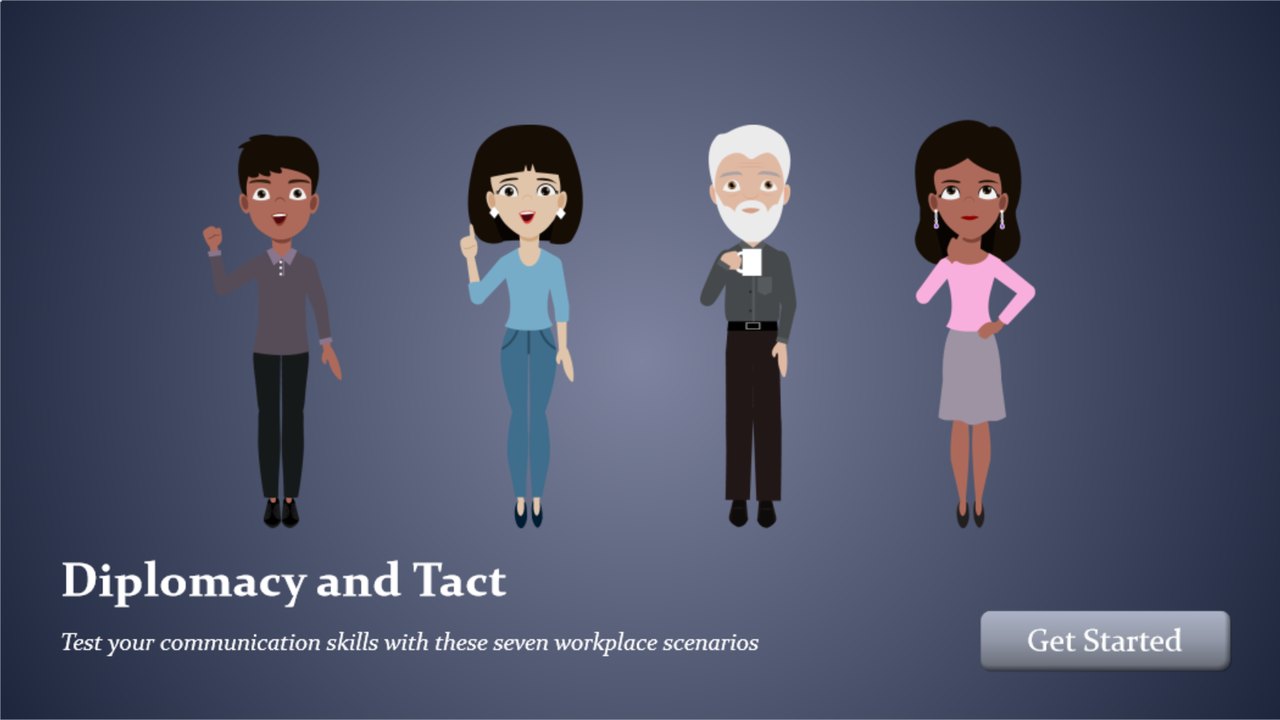
I built Diplomacy and Tact as a sample workplace training course. The learner I had in mind was a project manager, though the situations apply to anyone who works in a corporate environment.
No one handed me written objectives, so I set one. By the end, the learner should be able to handle a potentially difficult workplace situation with diplomacy and tact.
Where the scenarios came from
The situations are not invented. I talked with subject-matter experts at a real company (which I won't name here) about the problems they had run into over their working lives, and about which of those problems diplomacy and tact could have eased. The seven scenarios in the course are based on what they told me and on what they wanted addressed.
The writing is my own: every setup, every choice, every line of feedback.
Why scenarios
A course on tact can easily become a list of principles followed by a quiz. That teaches people to recognize good advice. It does not teach them to act on it.
I wanted practice. The design is inspired by action mapping, Cathy Moore's method of building training around what people need to do instead of what they need to know. So each screen puts the learner in the project manager's position and asks for a decision.
How a scenario works
Each scenario opens with a short setup and offers three things the project manager could do. One is the best response. The other two are wrong, but not obviously wrong. I wrote them to be plausible and tempting, the kind of response a reasonable person might choose.
Every choice has its own feedback. Choose a wrong answer and the course explains why it falls short, then asks you to try again. You cannot continue until you find the best option. Choose that one, and the feedback explains why it works before the next scenario begins.
A learner who is stuck can press Get Help. It offers a hint, and sometimes the principle behind the hint. It never gives the answer.
Nothing is scored or tracked. The course is practice, not a test.
The process
I worked alone, and the project took about 40 hours. The work ran in this order:
- Conversations with the subject-matter experts
- An outline of potential scenarios
- A script and storyboard
- Review by an outside auditor, and revisions
- The build in Storyline 360
The auditor read the scenarios for comprehensiveness. I edited questions and answer choices in response, all before production began.
The build
The course is built in Storyline 360 with layers, triggers, and variables. Together they present each choice, show the matching feedback, and hold the learner in place until the best option is chosen.
There is no narration, so the characters carry the scenes. They are stock characters from an e-learning asset library (not Storyline's built-in set), and they are fully posable. I gave them simple animations to suggest movement.
The hardest part
Getting the animations right. With no voice to carry a scene, the characters' movement has to do that work, and movement that looks slightly off is a distraction. It took a good deal of adjusting.